Guides
Facebook business page without a personal account — what's actually true in 2026
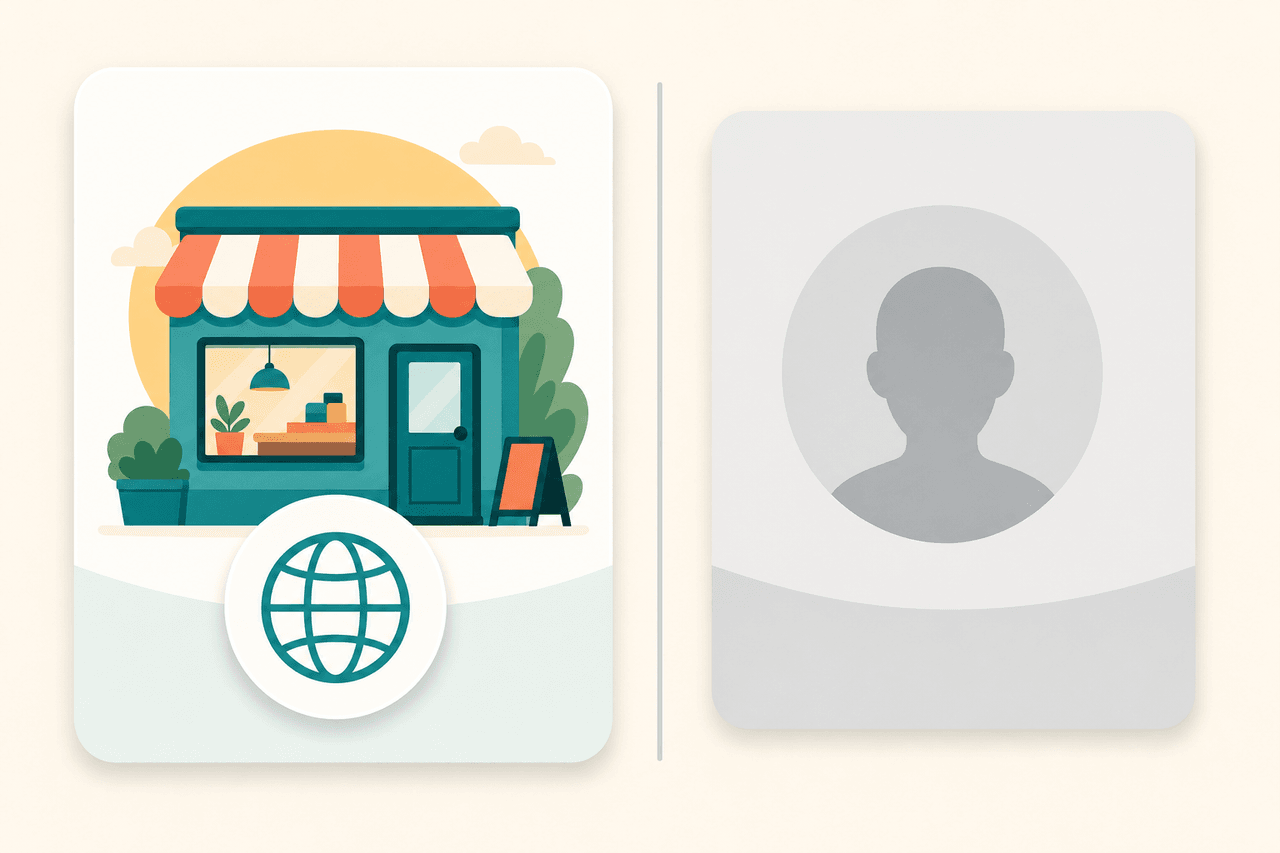
Plenty of business owners want a Facebook Page for their company but don't want to create a personal profile just to get one. Or they don't want the business tangled up with the profile they already have. Fair enough. Here's what's actually possible and what isn't.
The short answer
You cannot create a Facebook Page entirely without a personal profile. Setting up and managing a Page requires a real person to be signed in with their own profile and act as the Page's admin. There is no email-only "business account" you can register instead.
The good news: the Page and the profile stay completely separate. Your profile is invisible to the Page's followers, and managing the Page is invisible to your friends. In practice you get what most people actually want — a business presence without your personal feed getting mixed up in it.
Why Facebook requires a profile
It comes down to identity. Facebook wants to know who is behind a Page, and a personal profile is that identifier. The Page itself isn't an account — it's a company's public presence, run by one or more people using their own logins.
This isn't a limitation of any publishing tool. It's Meta's own rule, and it applies to everyone the same way, whether you create the Page directly on Facebook or through Business Suite.
What "separate" means in practice
When you create a Page with your own profile, two things stay apart:
- Followers only see the Page. They can't reach your profile or see who runs it.
- Your friends only see your profile. They aren't shown that you admin a business Page.
You also don't have to post anything to your profile. Many admins use their profile as nothing more than a key to the Page and never publish there themselves.
Don't try to dodge it with a fake profile
The temptation is obvious: just make a new profile under the company name and keep your own one clean. Don't.
A fake profile can take the whole Page down
Facebook's terms prohibit registering with fictitious details or creating a profile in someone else's name. If you get caught, you don't just risk the profile — you risk the entire business Page being disabled. Use your own real profile.
How to keep business and personal apart
The right tool for this is Meta Business Suite (formerly Business Manager). It's a separate dashboard where your Pages, ad accounts, and team access all live in one place.
- Create or log in to your Page with your own profile.
- Open Business Suite at business.facebook.com and add the Page under it.
- Invite coworkers through roles, each with their own login.
Roles are the important bit here. You can give a coworker permission to publish and answer messages without sharing your own login with anyone. When someone leaves, you just remove their access. The Page isn't tied to one person's private account in a way that loses it if a relationship sours.
Once the Page exists, posts go out in the Page's name
This is the part that often stays unclear. Once the Page exists, everything published there appears under the Page, not under you. Publishing tools work on the same logic: they ask for permission to post to the Page, not access to your personal profile.
Someapuri connects to a Page exactly this way. You authorize it to publish to a Page you manage, and from then on it posts there in the Page's name. Your own profile stays in the background as an admin permission, the same as it is on Facebook itself.
If you want the full picture of what each platform needs before your first post, we covered that separately: What each social platform requires before you can post.
Post to your business Page without mixing up your own feed
Once the Facebook Page is up, Someapuri handles posting there and to your other channels in one go. Try it free for 14 days
Sources
Read also
How much does social media marketing cost? A 2026 pricing guide for small businesses
Agency €800–2,500/mo, freelancer €1,300/mo, in-house hire €4,500/mo, or do it yourself with a tool? We break down what social media marketing actually costs a small business.
What each platform needs before you can post through Someapuri
A platform-by-platform checklist of the kind of account you need ready. Facebook and LinkedIn require a page; most others need nothing special.
Four ways to publish on social media - and how to pick yours
Publish now, schedule, plan a week at a time, or let autopilot handle it. We walk through the differences and use cases from a small business owner's view.