Guides
What each platform needs before you can post through Someapuri
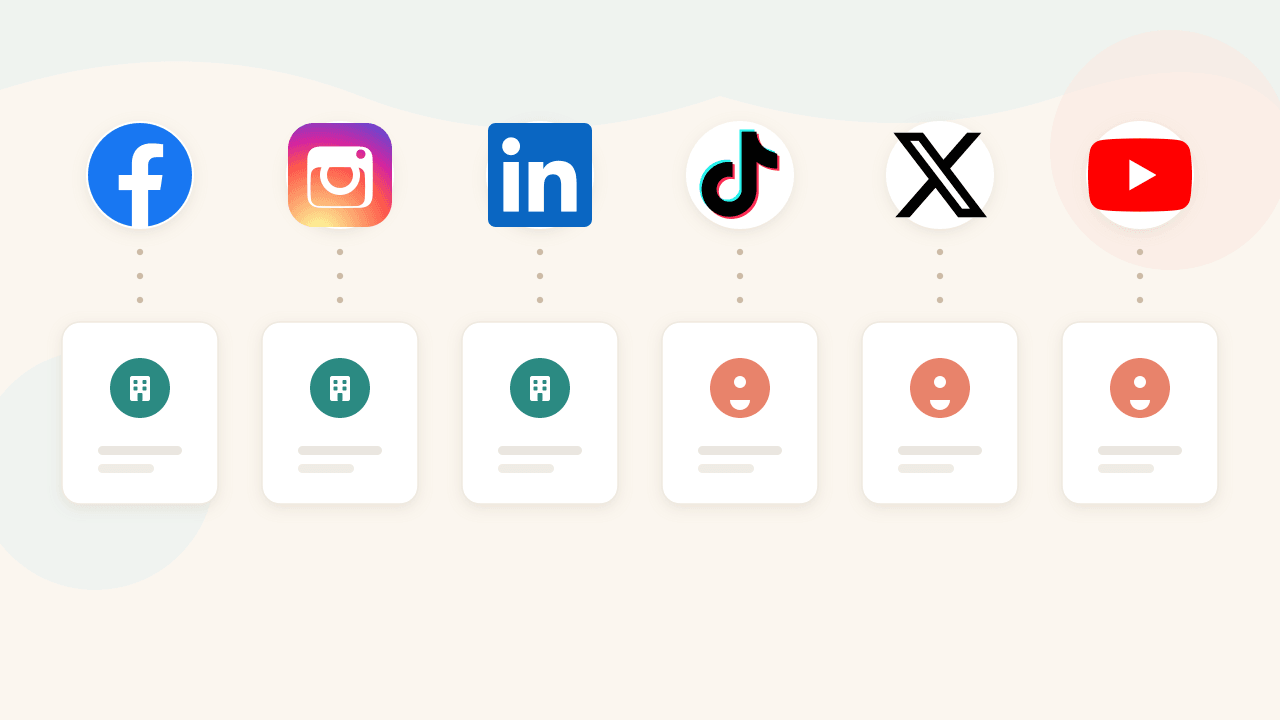
Someapuri publishes to several channels at once for you. Before that, each platform wants to know what kind of account you're posting from. Most connect in a couple of minutes, but a few need the right type of account set up in advance. Here's what you need ready for each platform before you hit Connect.
Why the requirements exist at all
Platforms don't let just any app post from just any account. Facebook and LinkedIn only allow automated publishing to pages and business accounts, not to personal profiles. That's not a Someapuri limitation but the platforms' own rule, and it applies the same way to every publishing tool. The rest are more relaxed.
You need a Facebook Page, not just a personal profile. You also need to be an admin of the Page so you can grant posting rights. If the Page already exists and you manage it, connecting is straightforward: log in to Facebook, authorize Someapuri, and pick the Page from the list.
Your Instagram account has to be a professional account, meaning a Business or Creator account rather than a private one. It also has to be linked to the same Facebook Page. This is the step that trips people up most often, so we wrote a separate guide for it.
Linking Instagram and Facebook
The step-by-step guide is here: How to connect your business Instagram and Facebook Page. You don't need a Business Portfolio for this.
On LinkedIn, posts go out in the name of a Company Page, not from a personal profile. You need to be an administrator of that page. When you authorize Someapuri, it shows the company pages you administer and you pick the right one. Posting from a personal profile isn't supported yet.
TikTok
An easy case: any account works, personal or business. Log in to TikTok, authorize Someapuri, and the account is ready. Switching to a business account isn't a requirement for posting.
X
Same as TikTok, any X account will do. One note on content: posts on X are capped at 280 characters, so keep the text tight.
YouTube
For YouTube you need a Google account that has a channel set up. If you've never created a channel, make one in YouTube first, otherwise there's nowhere to publish after you authorize. When connecting, Google asks which account you want to use.
Summary
| Platform | Requirement |
|---|---|
| A Facebook Page you administer | |
| A professional account linked to a Facebook Page | |
| A Company Page you administer | |
| TikTok | Any account |
| X | Any account |
| YouTube | A Google account with a channel |
If the wrong account got connected, it's usually because your browser is logged in to a different account than the one you want. Log out of the platform or open Someapuri in an incognito window, then connect with the right account.
Connect your accounts and publish everywhere at once
Read also
Four ways to publish on social media - and how to pick yours
Publish now, schedule, plan a week at a time, or let autopilot handle it. We walk through the differences and use cases from a small business owner's view.
What actually happens when you click Connect? How Someapuri reaches your accounts without your password
OAuth explained in plain language: why connecting your social media accounts to Someapuri never involves your password, and how to cut the connection at any time.
How to connect your business Instagram and Facebook Page — two steps is all it takes
A short guide to connecting your Meta business accounts: switch Instagram to a professional account and link it to your Facebook Page. No Business Portfolio needed.