Guides
Four ways to publish on social media - and how to pick yours

There's usually one reason social posts don't happen: no time. You draft the post three times in your head and it still never goes out, because right at that moment something else needs doing. The problem isn't a lack of ideas. It's rhythm.
Someapuri gives you four ways to publish, and they differ in one thing: how much you want to do yourself. At one end is full control, where you hit a button and the post goes out. At the other is autopilot, which plans your week for you. Let's go through all four and see which situation each one fits.
From control to automation
The easiest way to think about the four methods is as a spectrum. On the left you do everything yourself and decide each post individually. On the right, AI handles the planning and you approve. The further right you go, the less weekly fiddling, but the more you trust the machine to get it right.
Nobody picks just one. The same business might schedule campaign posts by hand and let autopilot fill the quiet weeks. These are tools, not camps.
Publish now
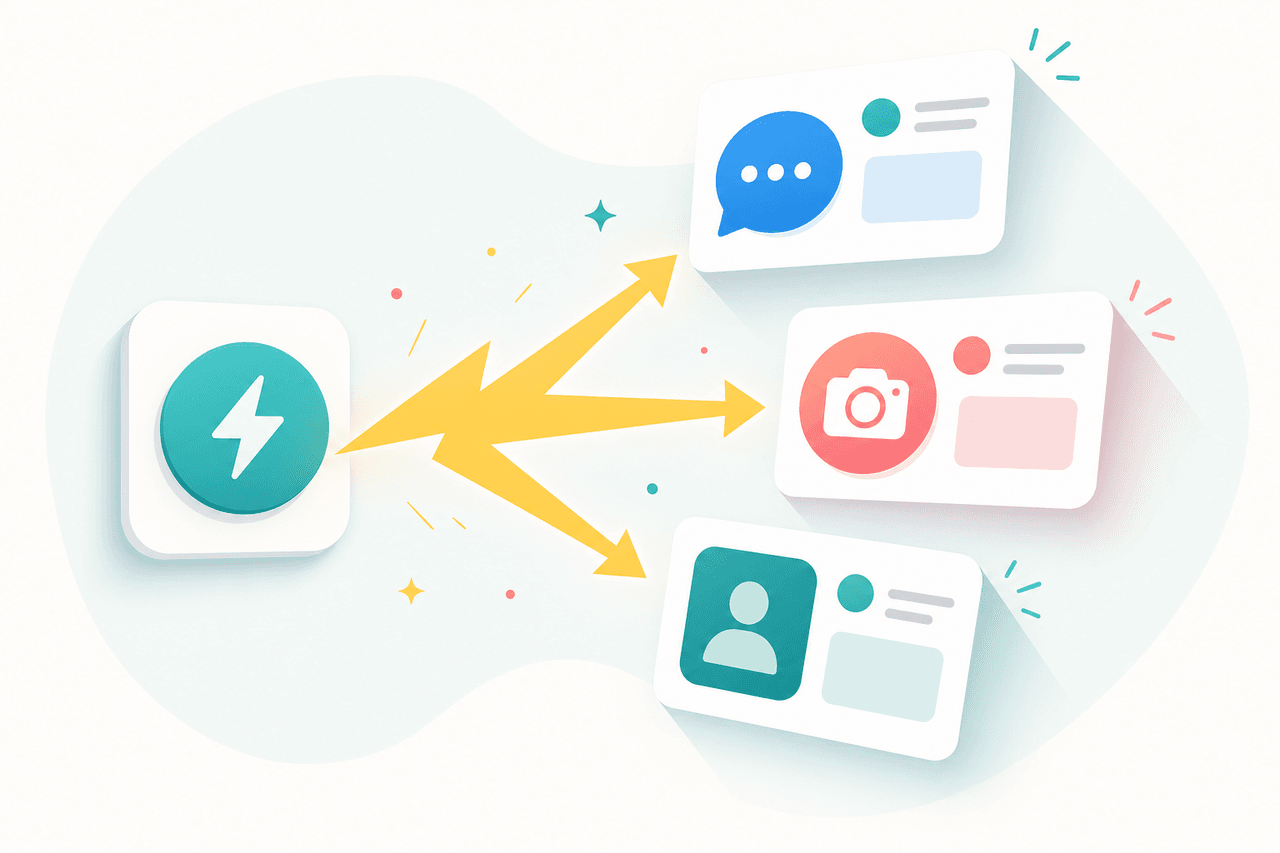
The simplest method. You write a post, pick your channels, and hit publish. The content goes out immediately to every channel you selected: Facebook, Instagram, TikTok, X, and LinkedIn in one go.
This fits when the moment is now. A customer left great feedback, something worth filming happened at an event, a competitor made a mistake you want to respond to. Timeliness is the whole point, and there's no reason to cool the content down in a schedule.
A few limits are worth knowing. A single post can carry up to ten images, unless X is included, where the cap is four. Video length limits vary by platform, and on Instagram and Facebook video goes out as a Reel.
Scheduled publishing

The same single-post tool, but you pick a send time in the future. The post is saved and goes out on its own at the time you set, down to the minute. You don't need to be at your computer when it happens.
Scheduling solves two things. First, you can write when you actually have time, say a whole week of posts on a Monday morning, and let them go out at the right times. Second, you reach your audience when it's actually there. If your followers are most active at six in the evening, that's when the post should land, not whenever you happened to have a spare moment.
The only condition is that the time has to be at least a few minutes ahead. Otherwise scheduling follows the same image and video rules as publishing now.
A week at a time

This is where the AI side begins. With a publishing plan you don't write a single post; you give a theme and generate a whole stretch at once: a week, two weeks, or a month. AI creates the posts, suggests images, and spreads them across the calendar at sensible slots and the best times of day.
There are two ways to generate. Generate and review turns the posts into drafts you can edit, delete, or move before you schedule the whole batch at once. Generate and schedule now skips the review and drops the posts straight into the calendar. The first suits you when you want to keep your hands on the wheel, the second when you trust the result and don't feel like fine-tuning.
This is the tool for that one sitting where you decide to get social media out of the way. One theme, a few choices, and the whole week is set. AI draws on your past posts, hashtags that have worked, and even Finnish holidays for timing, so the draft isn't pulled from thin air. The publishing plan is a Pro feature.
Autopilot

The far end of automation. You switch autopilot on once, and after that Someapuri plans your week's posts for you every Sunday. The topic is chosen automatically, the content is written up, and you get a digest email for Monday listing all the week's suggestions.
The key point: nothing is published until you approve it. The suggestions are drafts waiting for you. One click approves them all, and they're scheduled to go out at the right times. If you don't approve, the suggestions expire and are never published. You also get a reminder before the first post would go out, so nothing slips past you.
Autopilot is for the person who doesn't want to think about social media at all but still wants to stay visible. It makes sure a week doesn't pass without a single post, while leaving the final word to you. AI also avoids repeating itself: it looks at the past four weeks' topics so the same theme doesn't come around again and again. Autopilot is a Pro feature.
How to choose
The choice comes down to how much time and attention you have for this particular week.
| Method | Fits when | Effort |
|---|---|---|
| Publish now | You're reacting to something timely, right now | Per post |
| Scheduled | You know what and when, you want the right time | Per post |
| A week at a time | You want to fill the calendar in one sitting | One session |
| Autopilot | You'd rather not think about it, just approve | One approval |
In practice many people combine them. Autopilot keeps the baseline rhythm running, scheduling handles planned campaigns, and publish-now is there for when something happens that needs a response. The less social media demands weekly decisions, the more likely it stays in motion.
Summary
Four methods, one goal: that the post actually goes out. Publish now is for reacting, scheduled for planned timing, a week at a time for filling the calendar in one go, and autopilot for when you don't want to think about it at all. You don't have to lock into one. Pick the one that fits this week, and switch when things change.
See for yourself which method fits you
Read also
What each platform needs before you can post through Someapuri
A platform-by-platform checklist of the kind of account you need ready. Facebook and LinkedIn require a page; most others need nothing special.
What actually happens when you click Connect? How Someapuri reaches your accounts without your password
OAuth explained in plain language: why connecting your social media accounts to Someapuri never involves your password, and how to cut the connection at any time.
How to connect your business Instagram and Facebook Page — two steps is all it takes
A short guide to connecting your Meta business accounts: switch Instagram to a professional account and link it to your Facebook Page. No Business Portfolio needed.